
Winning back unhappy customers
Close the loop, one case at a time
Write to the unhappy customer straight from InputKit, by email or SMS, even when they answered anonymously. The exchange stays in a thread the whole team can see, then a short survey confirms the situation is genuinely resolved.

5% close the loop
80% pick who replies
Thread visible to the team








The open loop
Collecting became easy. Replying, much less so.
The comment arrived, it was read, and then it sat there. Between the moment a customer voices their disappointment and the moment someone actually answers, most companies have no mechanism at all.
5%
of companies tell customers what they changed, while 95% collect feedback
Gartner
Between the comment you received and the customer you called back, you need a thread, an owner, and proof that the situation is settled.
Silent demonstration. A 3 out of 10 comment sits without follow-up, then InputKit opens a thread, assigns an owner, and closes the loop after the callback.
The case opened, then closed inside InputKit
From the comment received to the customer won back, without leaving the tool
What a case tracked end to end changes:
Write to the customer by email or SMS from their response. Templates cover the recurring situations, with fields that fill in on their own, and AI drafts a first version from what the customer wrote. You edit, you send.

Assign the case to the right person, add internal notes your colleagues can see, share the response by email, Slack, or Microsoft Teams. The status switches to "customer contacted" the moment you message them, with nobody having to update it.
Once the case is closed, the follow-up sequence goes out on its own. Two questions are enough to learn whether the customer is satisfied with how you handled it and to update their NPS. Recovered satisfaction offsets the original dissatisfaction in your indicators.


Attract more customers. Give them a reason to stay.
Bring Google reviews, retention and customer experience together to grow your business. Explore the solutions that pair with this one.
 Customer retention
Take care of your unhappy customers
Private channel and real-time alerts.
 Customer retention
Spot your at-risk customers
Your satisfaction thresholds, alerted on your dashboard.
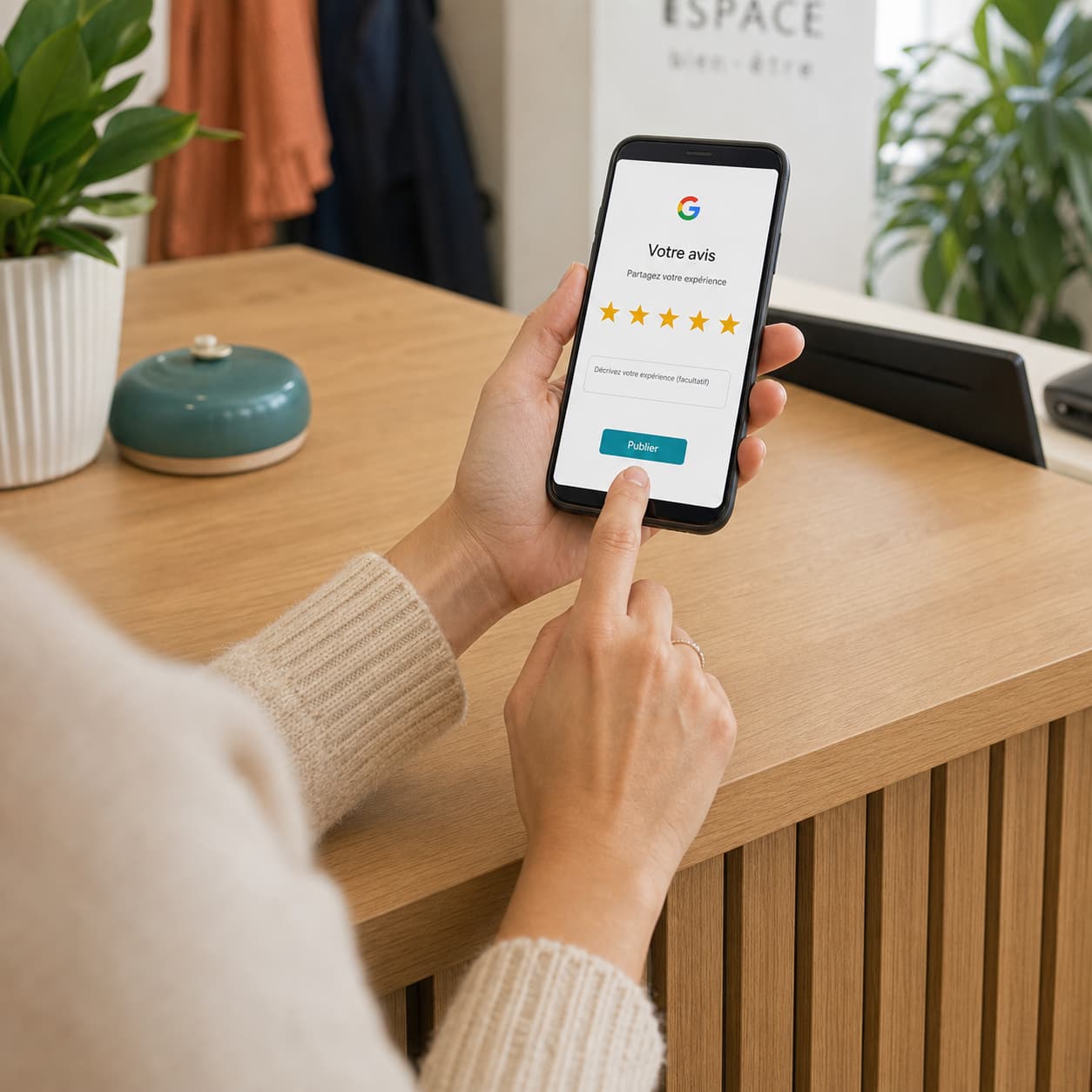 Google reviews
Get more Google reviews
Automatic invitations, by email or SMS.
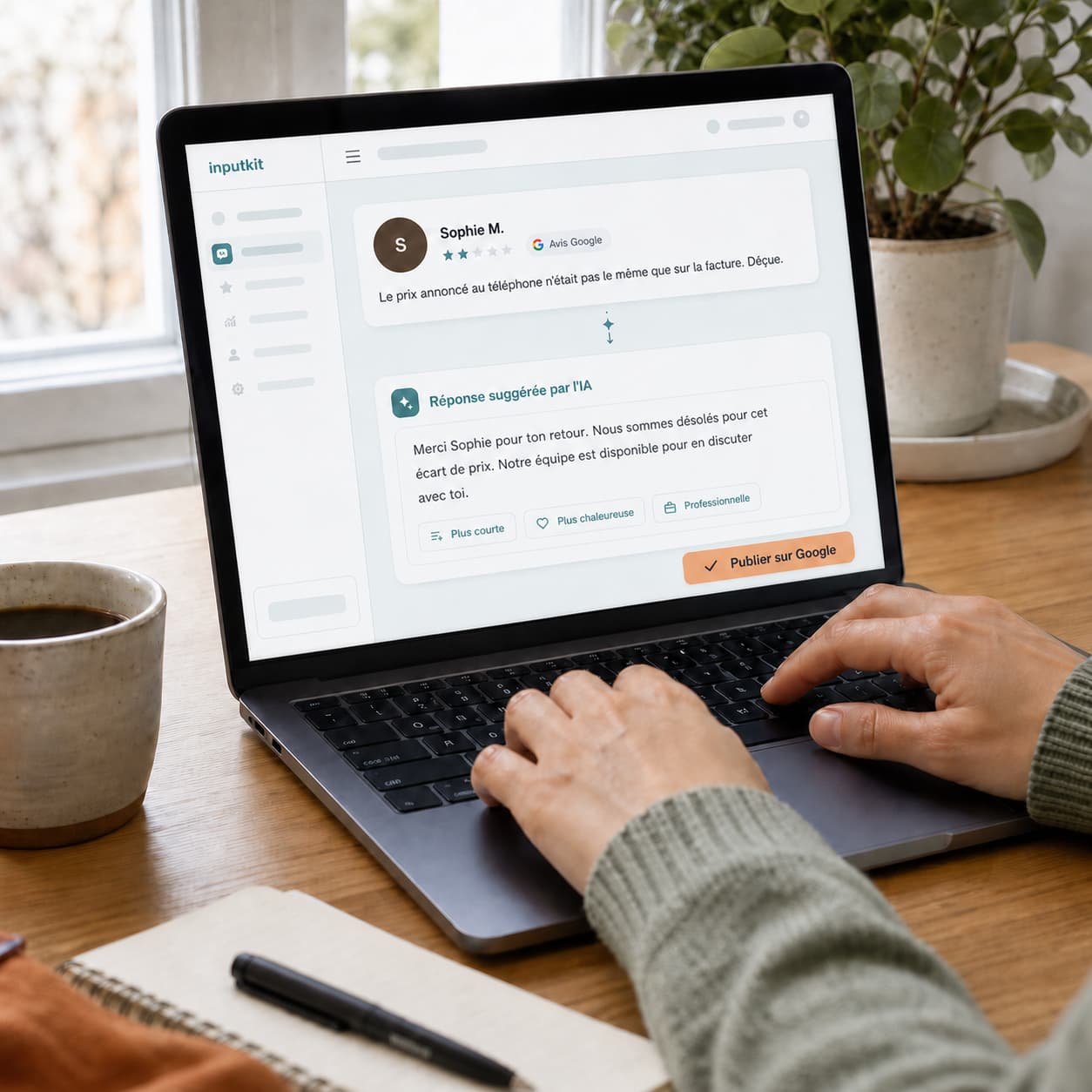 Google reviews
Reply to your reviews with AI
Replies written in your voice, in one click.
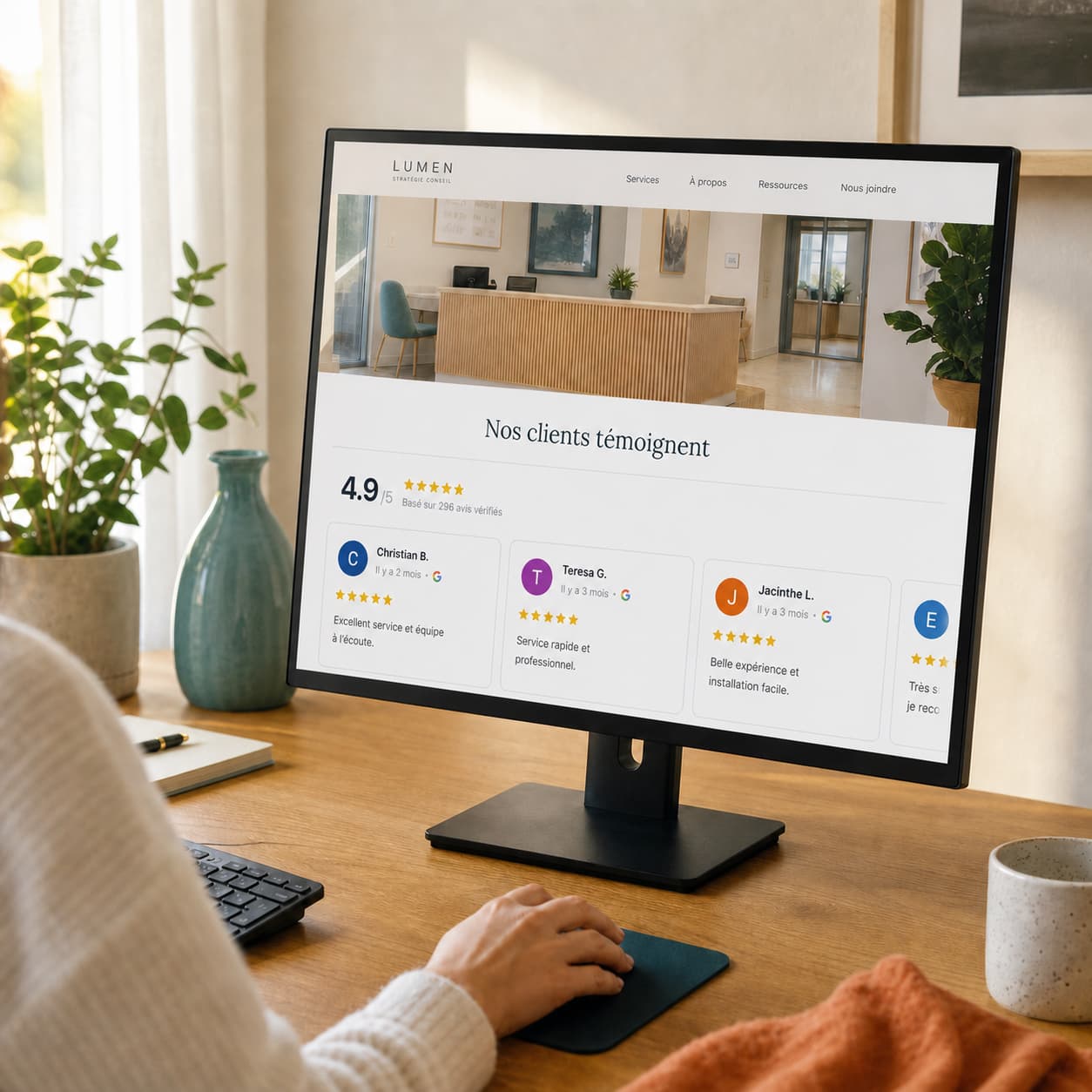 Google reviews
Show your reviews on your site
One block of code, verified reviews on your pages.
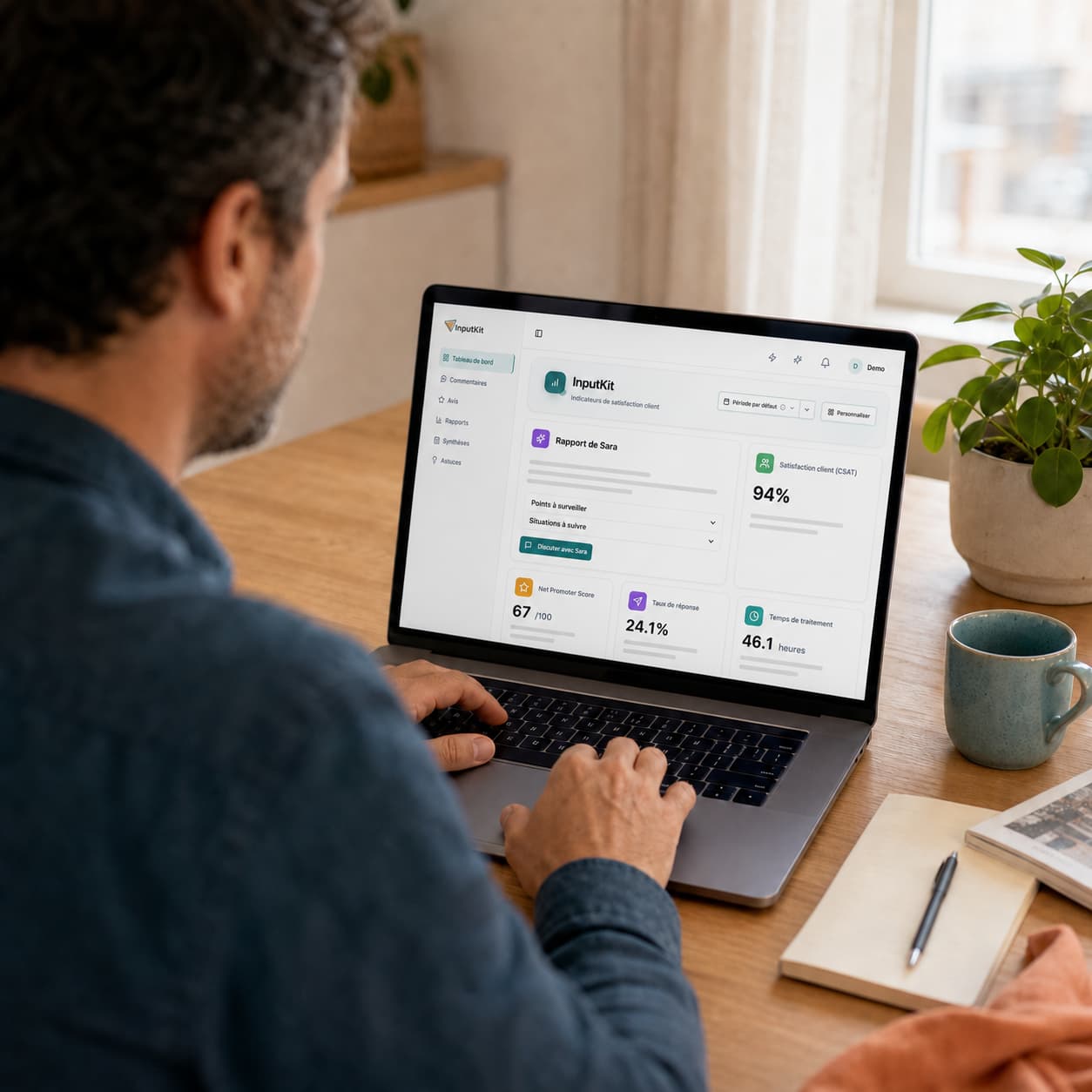 Customer experience
Steer your customer experience
Surveys, metrics and follow-ups, continuously.
 Customer experience
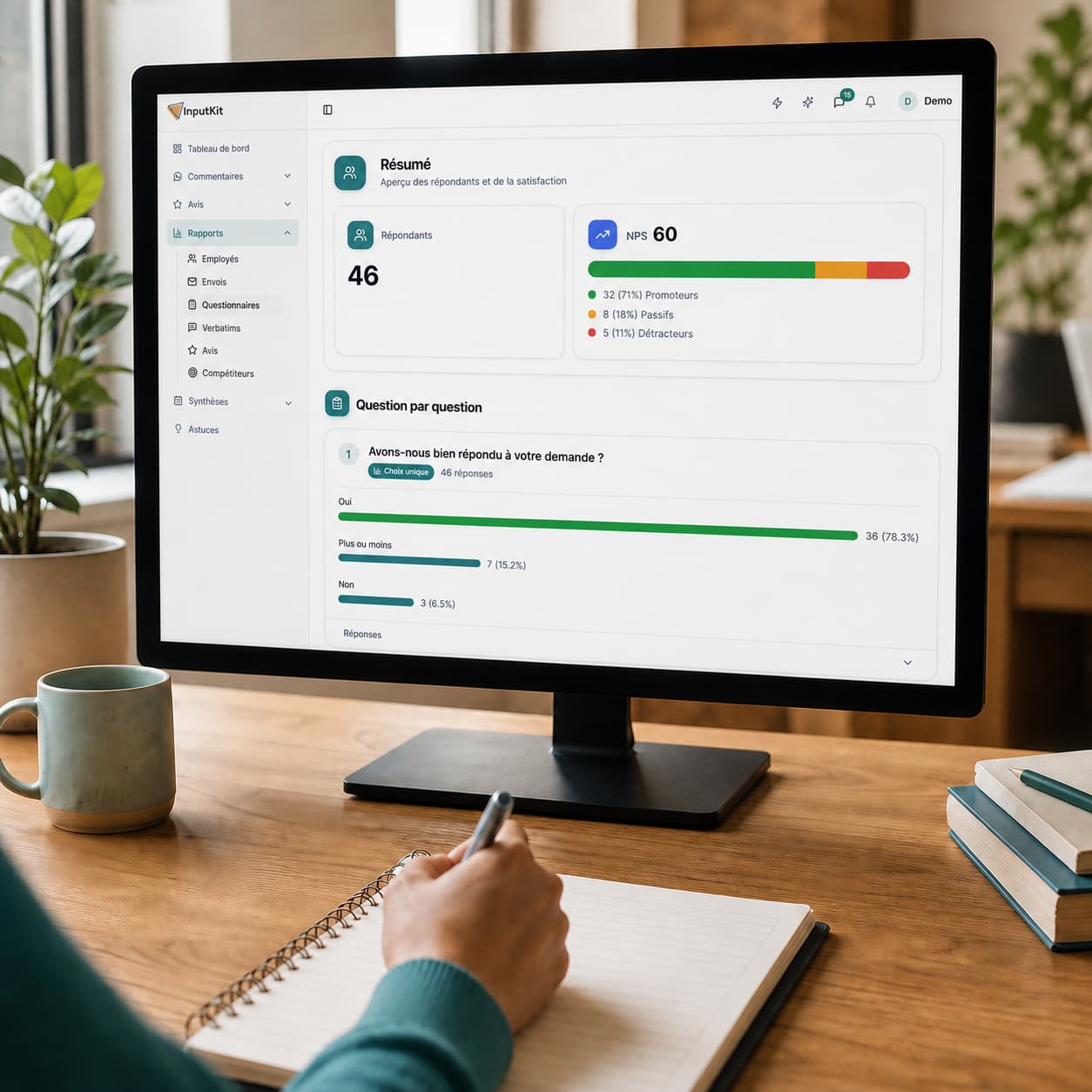
Measure your customers' satisfaction
CSAT, NPS and response rate, calculated for you.
 Customer experience
Recognize and motivate your team
Reports per employee and positive comments shared.
 Customer experience
Turn feedback into actions
Comments grouped by category, clear priorities.

Since we got InputKit, we identify 2-3x more unhappy customers. InputKit lets us act fast and create a WOW effect. When the customer gets a call within half an hour, they fall out of their chair.
Robert Dubé
General Manager at Les Spécialistes de l'électroménager
Ready to turn unhappy customers into advocates?
In 15 minutes we'll walk you through the whole path: the reply written in the thread, the case assigned and annotated, then the follow-up that confirms the customer really came back.
Satisfaction after the save

Follow-up complete
“I left genuinely disappointed. They wrote to me, we talked it through, and honestly I'm going back.”