
Evaluate and Motivate Every Employee
Reviews built on the voice of the customer
Every survey ties responses back to the employees involved. You get a report per person, per role, and per department, and your teams automatically receive the positive comments written about them.

Report per employee
Sharing automatic
Summary every Friday








Facts, not memories
The annual review is no longer enough
It too often rests on the two or three situations the manager happens to remember. Your customers evaluate every visit. InputKit ties their comments back to your employees.
Recognition
glowing comments go to the person who earned them, not only to management
Facts
CSAT, NPS, and customer comments per employee, so coaching is not a negotiation of impressions
Fairness
criteria per role: a technician and an advisor are not judged on the same things
Every Friday, employees receive a summary of their comments. The individual report stays available through a shareable link.
Silent demonstration. Customer comments are tied to employees, an individual report appears, and positive feedback is shared automatically.
The positive comment goes straight to the employee it praises
How to evaluate your employees with InputKit
What you set up:
A scale group question lets you evaluate several roles within a single question: customer service for advisors, quality of work for technicians. Each sub-question carries its own metric and department.

The report shows performance per metric, per role, and per department, alongside CSAT and NPS. The individual report shows one person's impact and gathers every customer comment about them.


Attract more customers. Give them a reason to stay.
Bring Google reviews, retention and customer experience together to grow your business. Explore the solutions that pair with this one.
 Customer experience
Steer your customer experience
Surveys, metrics and follow-ups, continuously.
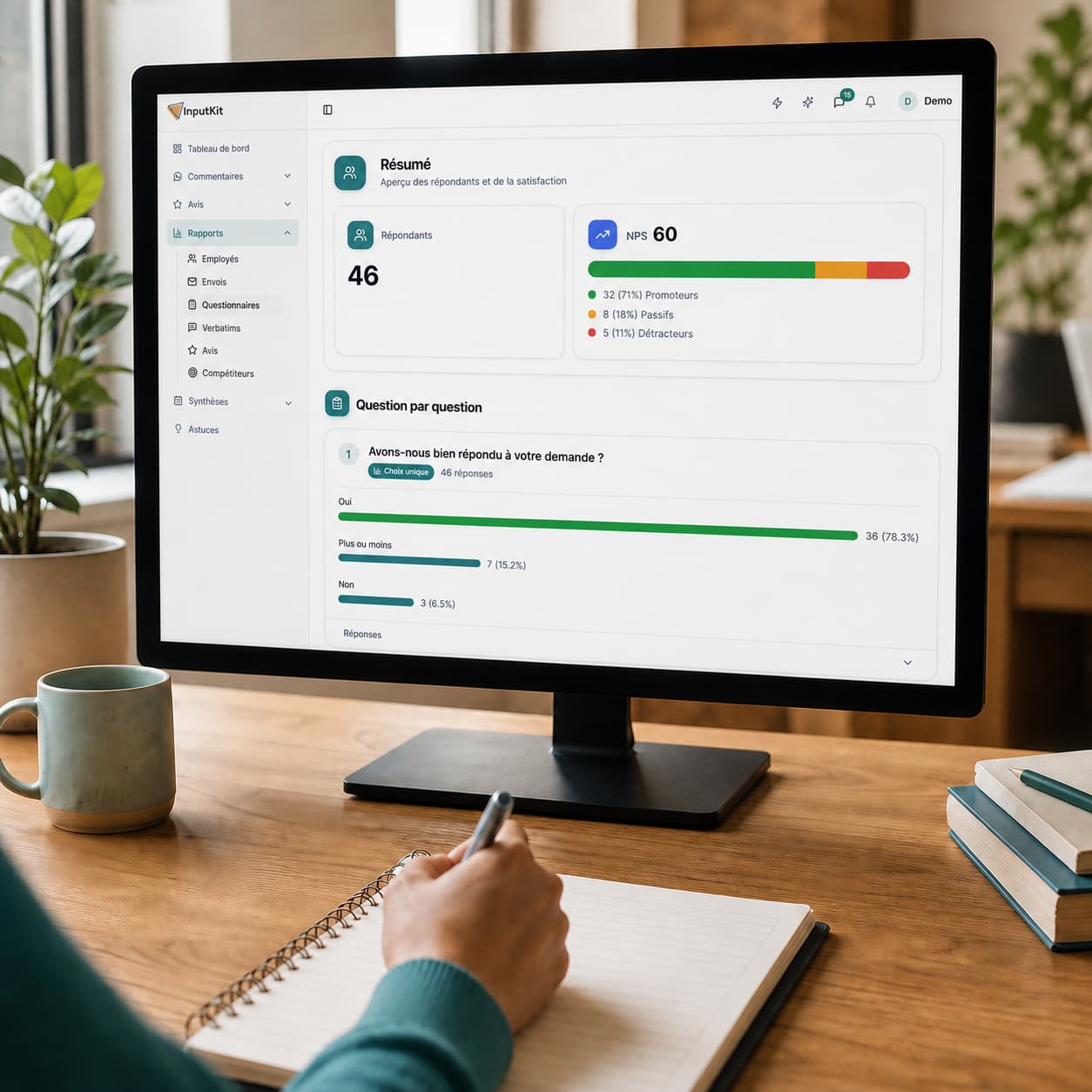 Customer experience
Measure your customers' satisfaction
CSAT, NPS and response rate, calculated for you.
 Customer experience
Turn feedback into actions
Comments grouped by category, clear priorities.
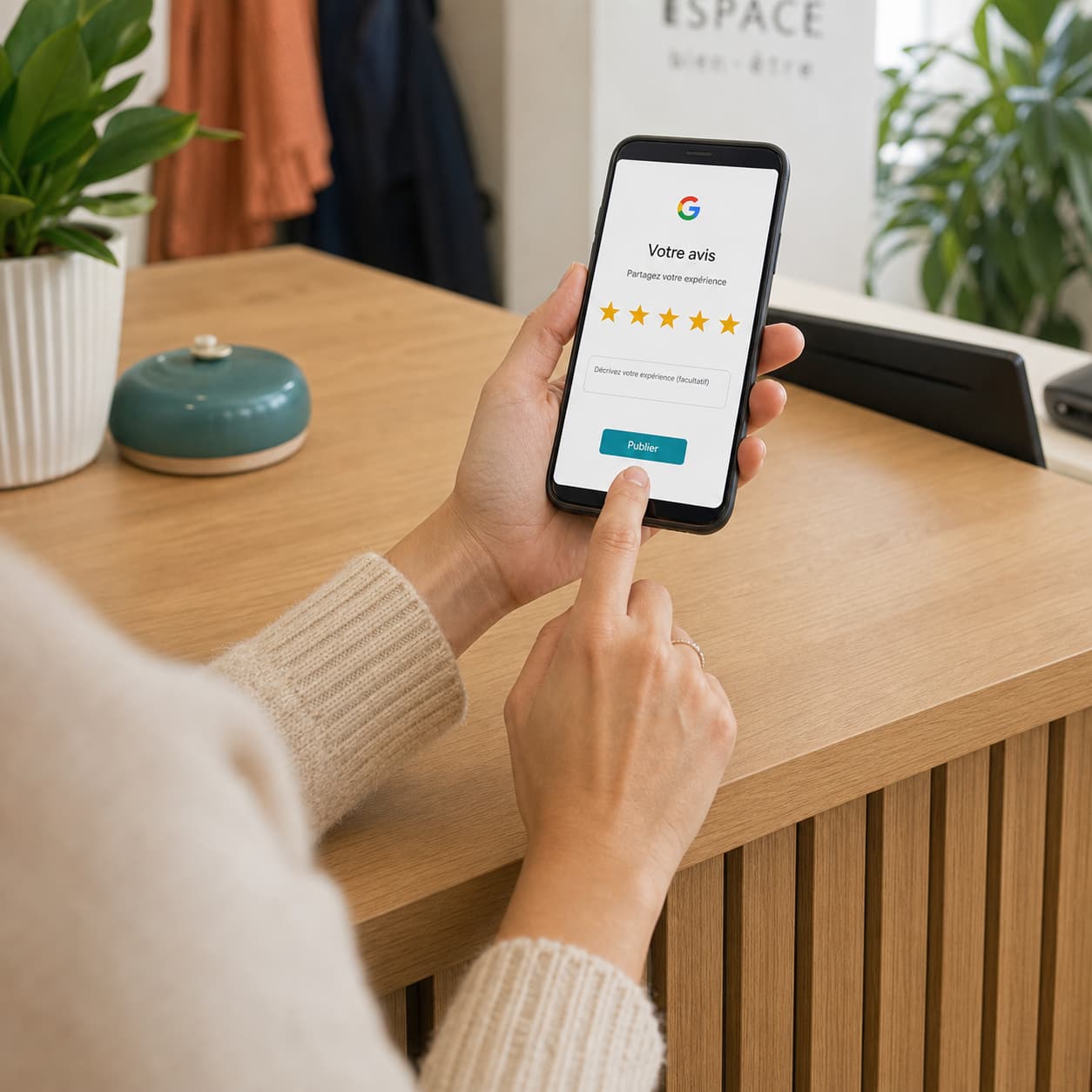 Google reviews
Get more Google reviews
Automatic invitations, by email or SMS.
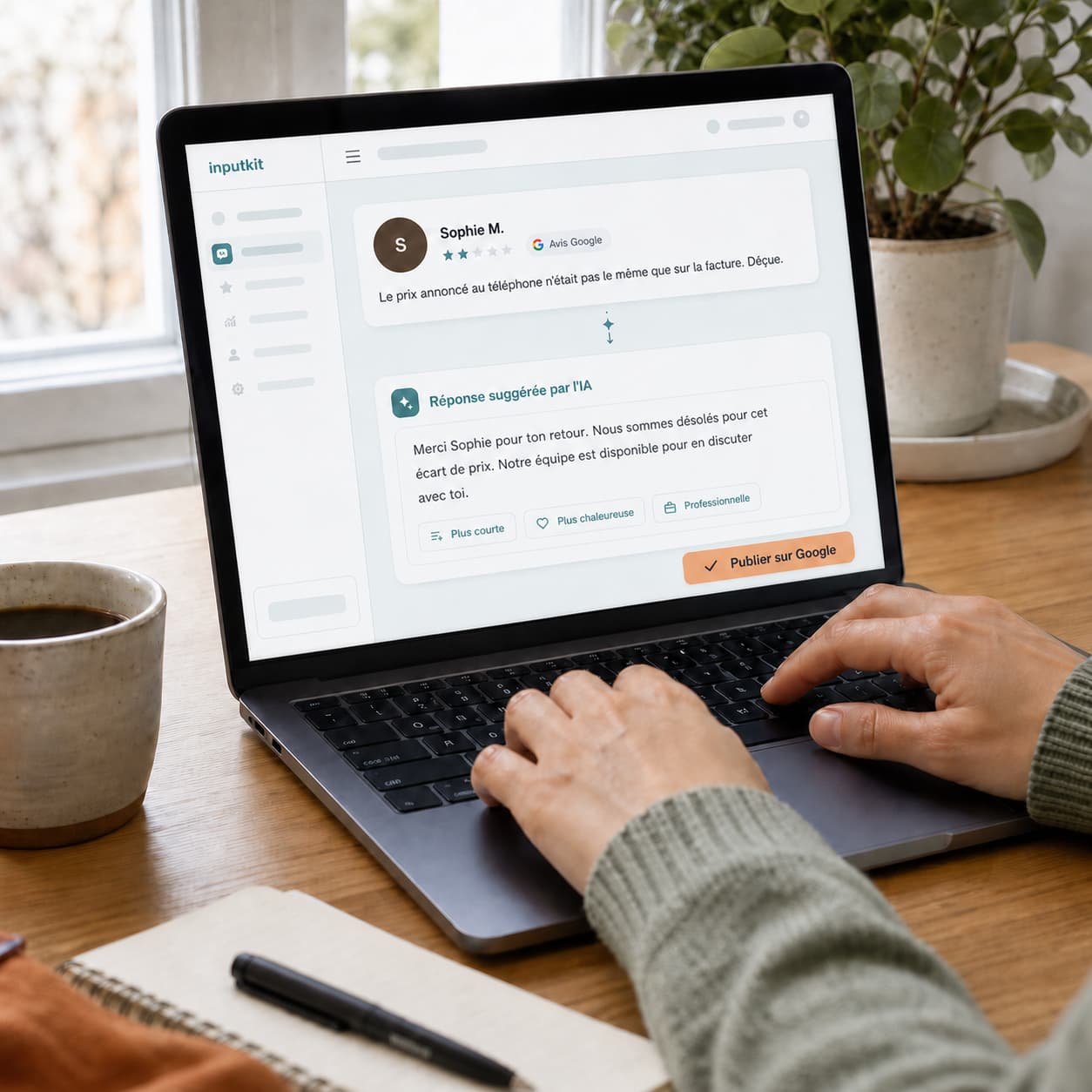 Google reviews
Reply to your reviews with AI
Replies written in your voice, in one click.
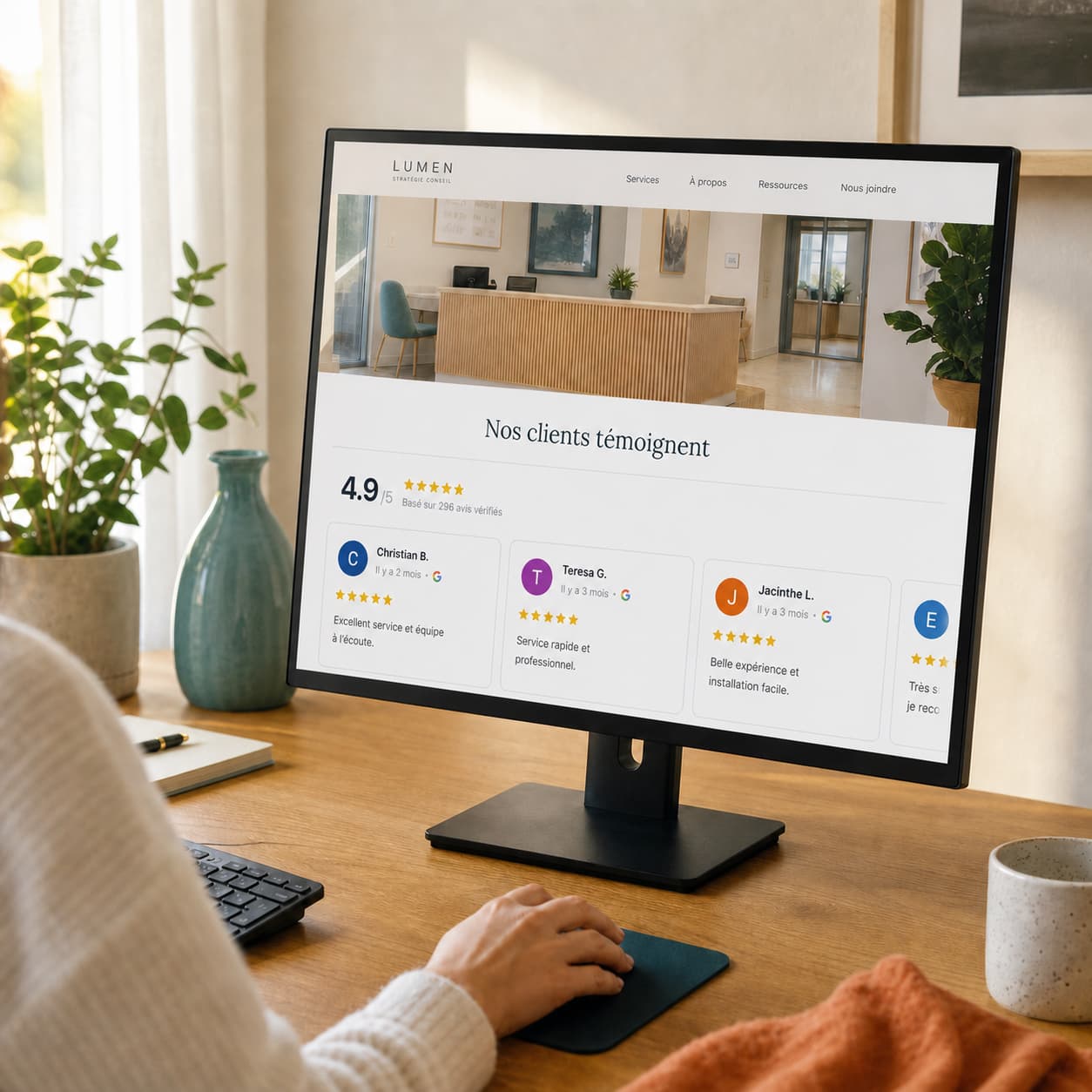 Google reviews
Show your reviews on your site
One block of code, verified reviews on your pages.
 Customer retention
Take care of your unhappy customers
Private channel and real-time alerts.
 Customer retention
Spot your at-risk customers
Your satisfaction thresholds, alerted on your dashboard.
 Customer retention
Win back your customers' trust
Write to the unhappy customer, by email or SMS.

InputKit helps me a lot in evaluating employees. I really like the automatic feedback tool: every week, my employees receive an email from a satisfied patient. Everyone has grown from the comments we receive.
Audrey Riel
Manager at Centre Dentaire Delongchamp
Ready to evaluate your teams with your customers' own words?
Your customers already say who does excellent work at your company. In 15 minutes, we'll show you how to turn those comments into fair evaluations and real recognition.
Team recognition

Sharing on
“Marie delivered exceptional service. I will definitely come back.”