
Review widget for your website
Your best reviews, where visitors decide
Paste one block of code and your verified reviews show up on your service pages. The list refreshes with every new review you collect, so nobody on your team has to touch it again.

+270% conversion
1 block of code
0 maintenance








The impact of social proof
A hesitating visitor is looking for proof
Before calling you, they want to know what other people experienced. If they can't find it on your page, they go looking elsewhere, and they don't always come back.
+270%
higher conversion rate observed when a page displays reviews instead of none
The InputKit widget puts your verified reviews on the page where the decision happens, and keeps them current on its own.
Silent demonstration. The InputKit review widget appears on a website: rating, verified reviews, and the comments refresh on their own.
The InputKit review widget, as it appears on your site
Three steps, then you stop thinking about it
What you set up:
Grid or carousel, minimum rating, number of reviews, language. You adjust and the preview updates live. Only the reviews you want to show make it onto your site.

One block of code to drop wherever you want it on your site. On WordPress, a raw HTML block is enough. If an agency manages your site, they need five minutes and nothing else.
Every new review you collect feeds the widget automatically. Your pages permanently show recent testimonials, on desktop and on mobile, with no maintenance on your side.


Attract more customers. Give them a reason to stay.
Bring Google reviews, retention and customer experience together to grow your business. Explore the solutions that pair with this one.
 Google reviews
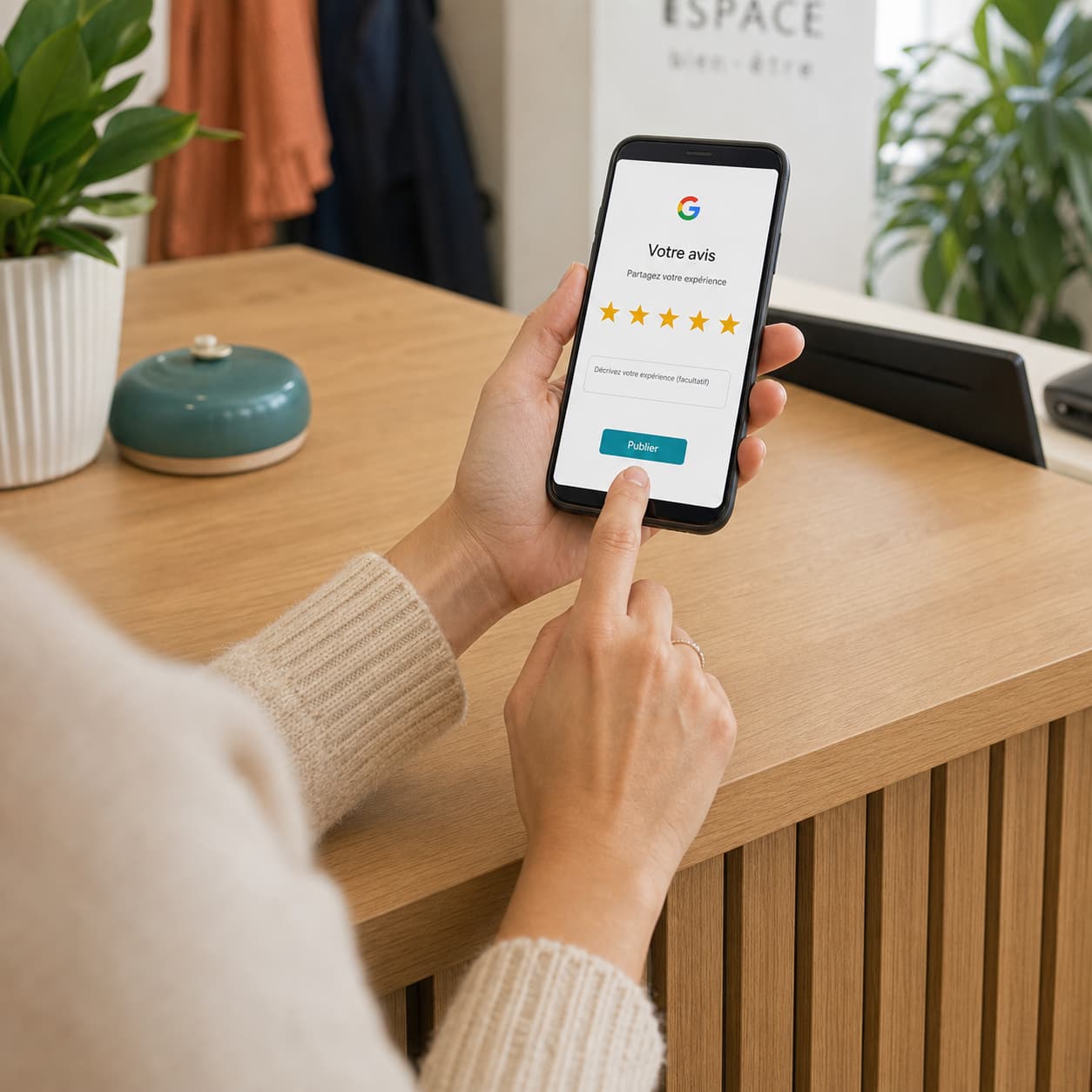
Get more Google reviews
Automatic invitations, by email or SMS.
 Google reviews
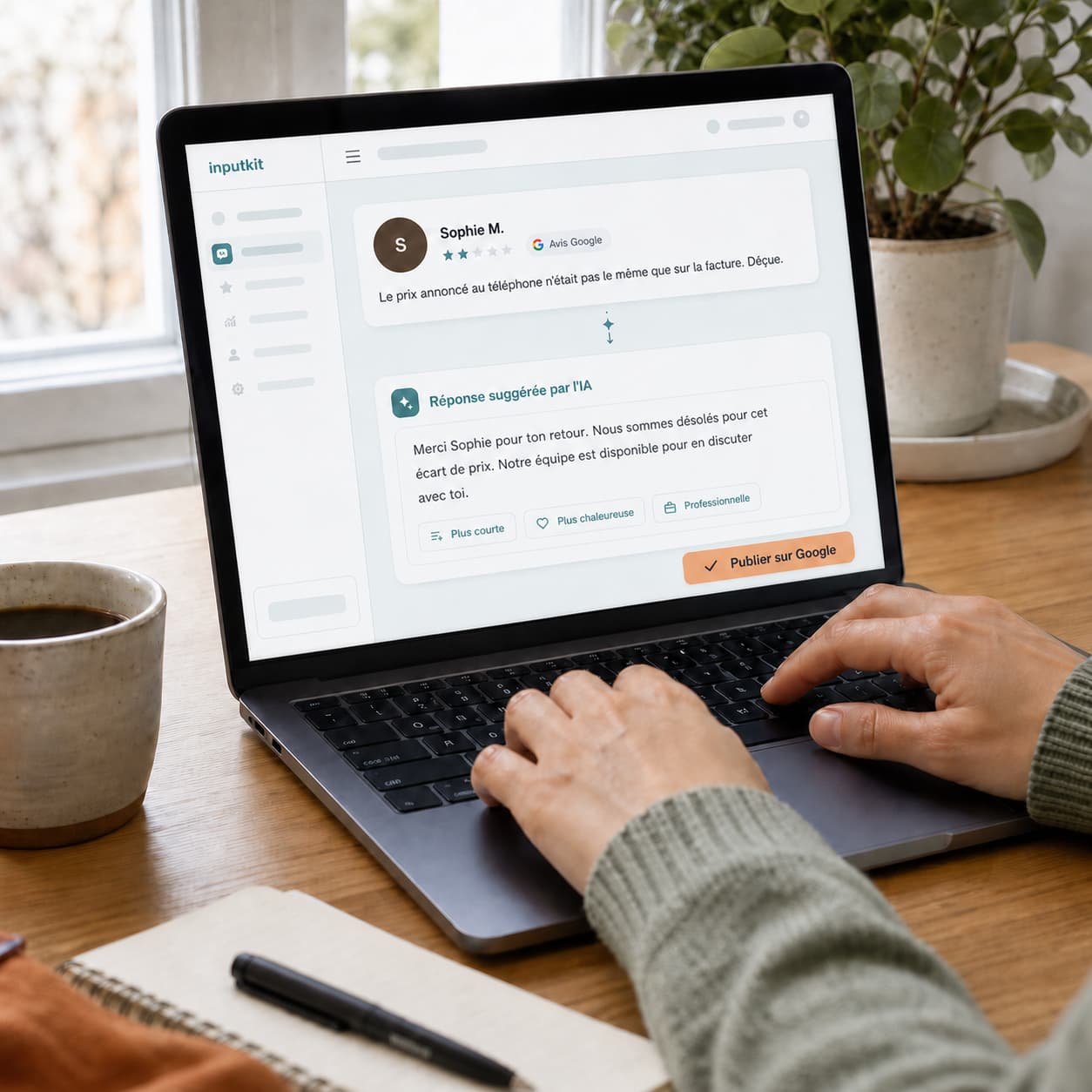
Reply to your reviews with AI
Replies written in your voice, in one click.
 Customer retention
Take care of your unhappy customers
Private channel and real-time alerts.
 Customer retention
Spot your at-risk customers
Your satisfaction thresholds, alerted on your dashboard.
 Customer retention
Win back your customers' trust
Write to the unhappy customer, by email or SMS.
 Customer experience
Steer your customer experience
Surveys, metrics and follow-ups, continuously.
 Customer experience
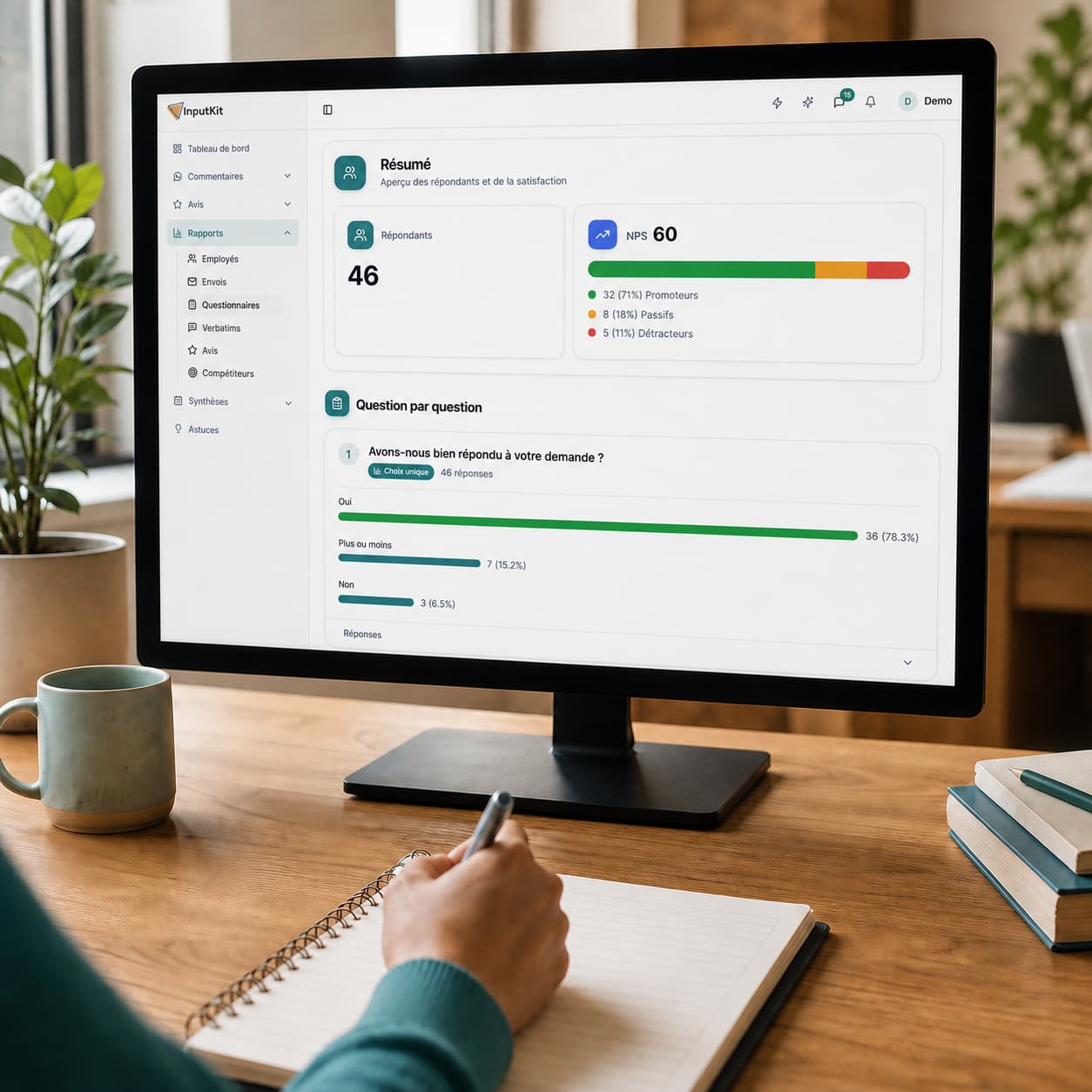
Measure your customers' satisfaction
CSAT, NPS and response rate, calculated for you.
 Customer experience
Recognize and motivate your team
Reports per employee and positive comments shared.
 Customer experience
Turn feedback into actions
Comments grouped by category, clear priorities.
Clients tell me they came because of our reviews. Before InputKit, that never happened. Now, every week, we know we'll get at least five new Google reviews thanks to InputKit. It's our safety net.
Jean-Nicholas Papillon-Gauthier
Co-Founder, Café Liégeois
Montreal
Ready to put your reviews to work on your website?
In 15 minutes we'll show you the widget in action: what you control, where to place it on your pages, and what social proof looks like when it never goes stale.
