








Responses analyzed
Turn Insights Into Action
Hundreds of comments, a handful of clear priorities
The AI assistant analyzes your comments, Google reviews, and survey responses, groups them by category, and surfaces what is getting worse. You open the platform already knowing what to handle first.

6–8 categories
To watch at a glance
Plan every week
From raw text to decisions
Feedback stays unused until you can read it at volume
One comment tells a story. Several hundred analyzed together reveal a trend. Nobody has time to read them all, so teams act on the two or three comments that stuck.
Trends
the same pain point mentioned twenty times in twenty ways finally surfaces, instead of whatever shouted loudest
Proof
you see whether your fixes moved customer perception, month after month, on the category you targeted
Monday morning
ranked priority, named owner, and due date: the meeting ends with a plan, not an observation
Surveys, Google reviews, and Facebook reviews: the AI assistant turns raw text into categories, sentiment, and priorities.
Silent demonstration. Comments are grouped into strengths and pain points, a priority surfaces, then an action plan takes shape.
From comments to decisions, in seconds
How your comments become actions
What you set up:
The Verbatims report analyzes all your responses and proposes six to eight broad categories: service, staff, price, quality of work. You add your own categories and reorganize topics by hand when needed.

The “to watch” section surfaces the most at-risk category, the most negative source, and the topics that come up most often. Theme detection also lets you ask a specific question and get a targeted analysis.
Sentiment per category is plotted over time: if you work on wait times, you watch that category move month after month. The monthly report adds a CX diagnostic, causal hypotheses, and an action plan with an owner and a due date.


Attract more customers. Give them a reason to stay.
Bring Google reviews, retention and customer experience together to grow your business. Explore the solutions that pair with this one.
 Customer experience
Steer your customer experience
Surveys, metrics and follow-ups, continuously.
 Customer experience
Measure your customers' satisfaction
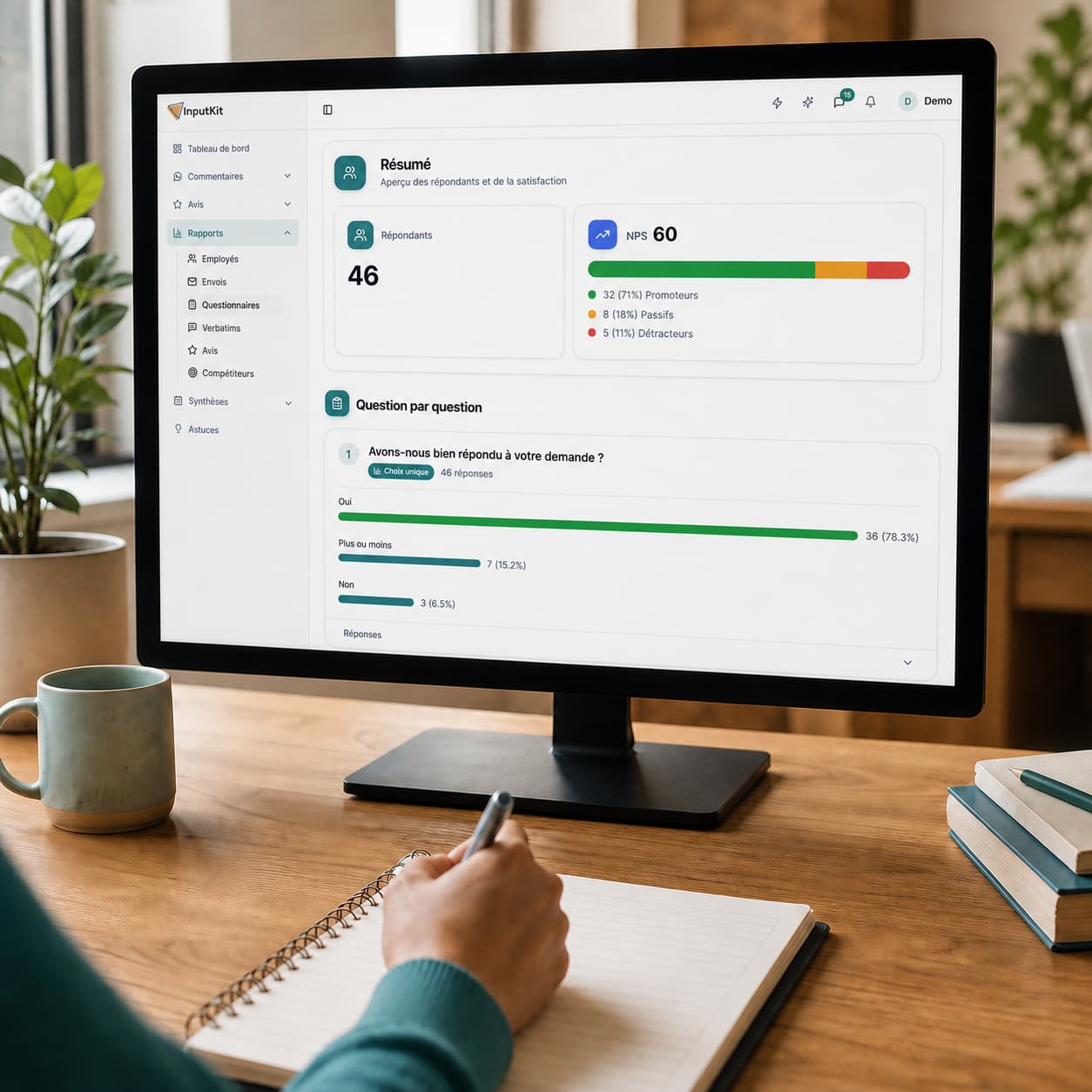
CSAT, NPS and response rate, calculated for you.
 Customer experience
Recognize and motivate your team
Reports per employee and positive comments shared.
 Google reviews
Get more Google reviews
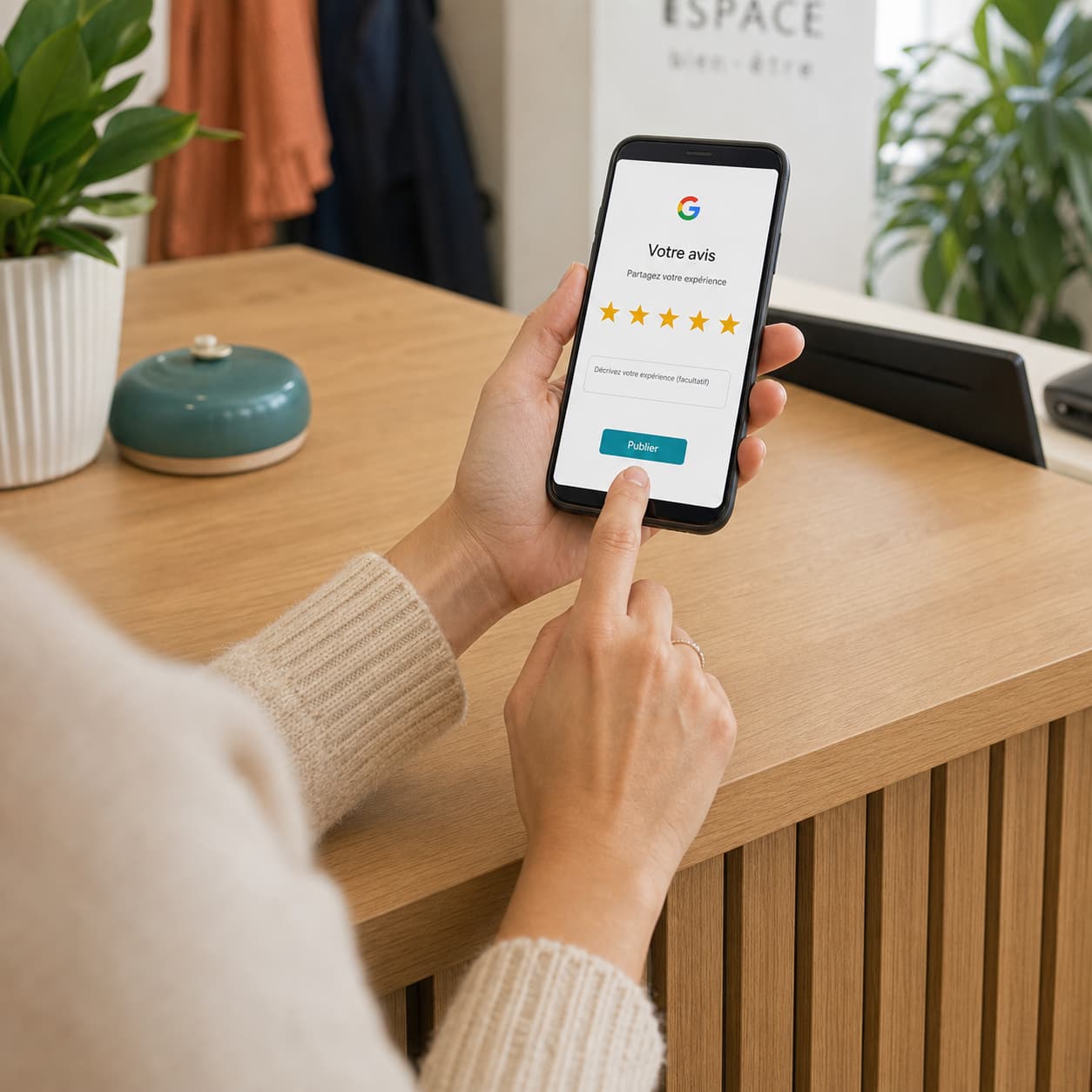
Automatic invitations, by email or SMS.
 Google reviews
Reply to your reviews with AI
Replies written in your voice, in one click.
 Google reviews
Show your reviews on your site
One block of code, verified reviews on your pages.
 Customer retention
Take care of your unhappy customers
Private channel and real-time alerts.
 Customer retention
Spot your at-risk customers
Your satisfaction thresholds, alerted on your dashboard.
 Customer retention
Win back your customers' trust
Write to the unhappy customer, by email or SMS.

Our response rate is 46%, and I have my indicators in real time. Thanks to the feedback, we've started working on an action plan to improve based on what our clients have said. The return on investment is well worth it.
François Lacombe
Sales Director at Groupe Sécurité Alarma
Saint-Jean-sur-Richelieu
Ready to know what to fix first?
Your customers have already told you what's wrong. In 15 minutes, we'll show you how InputKit turns hundreds of comments into clear priorities and concrete actions.
Customer sentiment

Analysis current
“We knew price irritated people. We had never seen it was 66 mentions, or what to do on Monday.”